
PC, Office & Communication
Writing, browsing, researching, making calls – the IntegraMouse AIR turns any computer, tablet or smartphone into a fully-fledged workstation. Completely hands-free, with no lengthy training required.
Plug & play on all platforms
No drivers, no complicated setup: the IntegraMouse AIR works instantly with Windows 11, macOS 12, iOS 15, Android 14 and Linux. Just plug in or pair via Bluetooth and get started.
Precision just like a standard mouse
Moving the cursor, clicking, double-clicking, dragging – every mouse function can be carried out through minimal lip movements and gentle sip and puff impulses, just as precisely as with a conventional mouse.
Communication through the built-in microphone
Video calls, dictation and voice assistance all run through the built-in microphone – no extra headset needed (in wired mode).
Connecting wirelessly: pairing the IntegraMouse AIR via Bluetooth
Here's how to connect the IntegraMouse AIR wirelessly to your PC, tablet or smartphone in just a few steps.
Make sure the battery is sufficiently charged. Use the charger provided and charge the battery before using Bluetooth mode for the first time.
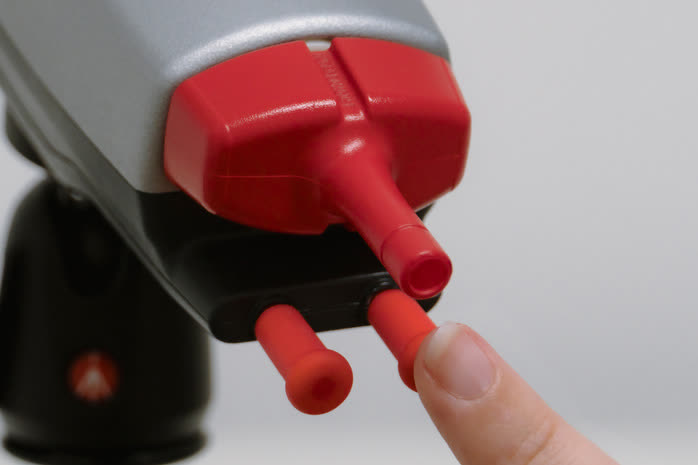 1
1 Turn on
Briefly press the right lip switch to turn on the IntegraMouse AIR.
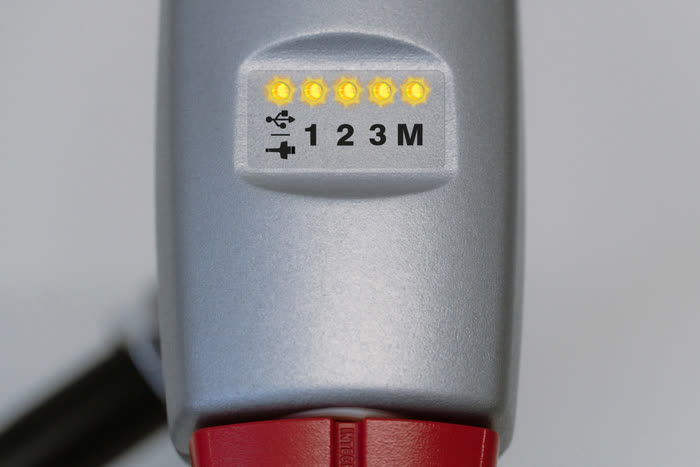 2
2 Calibration
All LEDs light up briefly while the IMAIR calibrates itself.
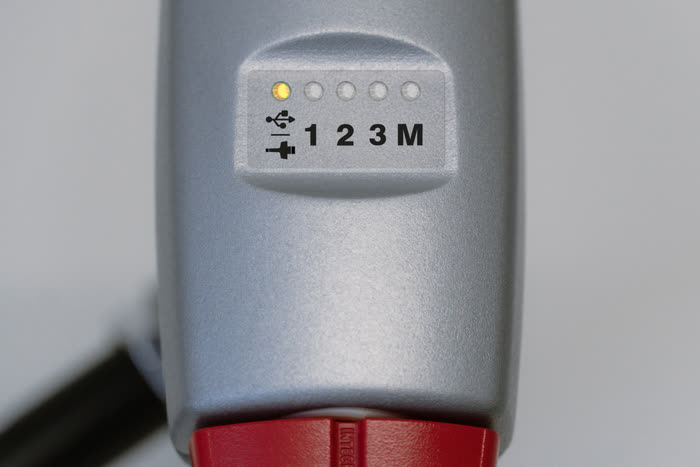 3
3 Wired mode detected
The left LED lights up.
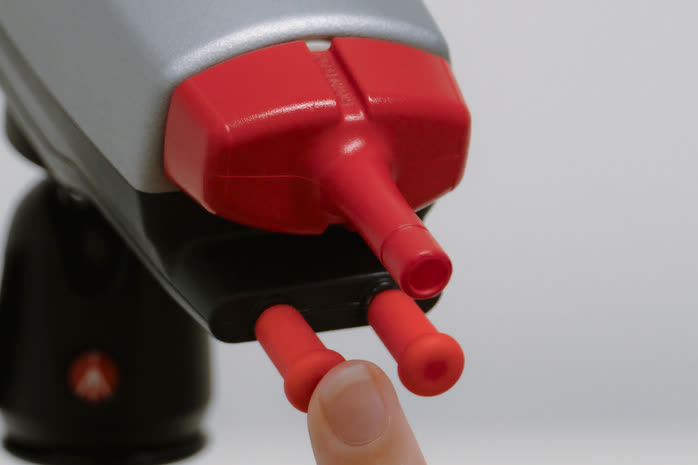 4
4 Start pairing mode
Press the left lip switch for 3 seconds.
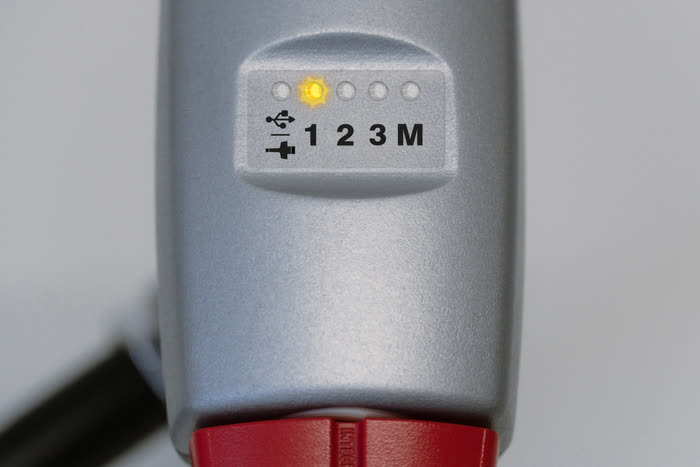 5
5 Position is displayed
LED 1 starts flashing orange.
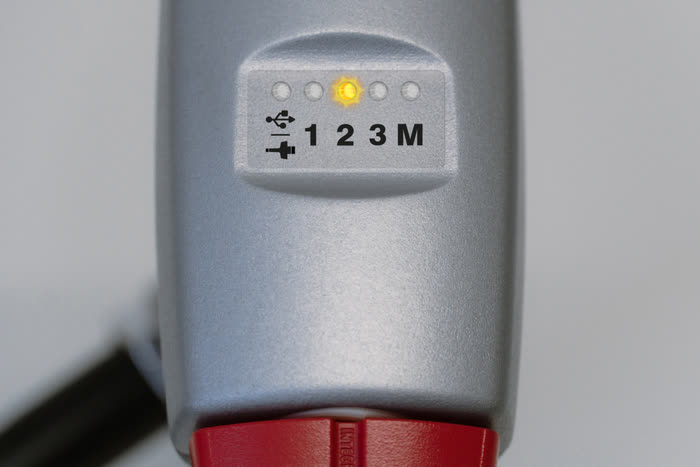 6
6 Select a position
Press the left lip switch to select the position you want (1, 2 or 3).
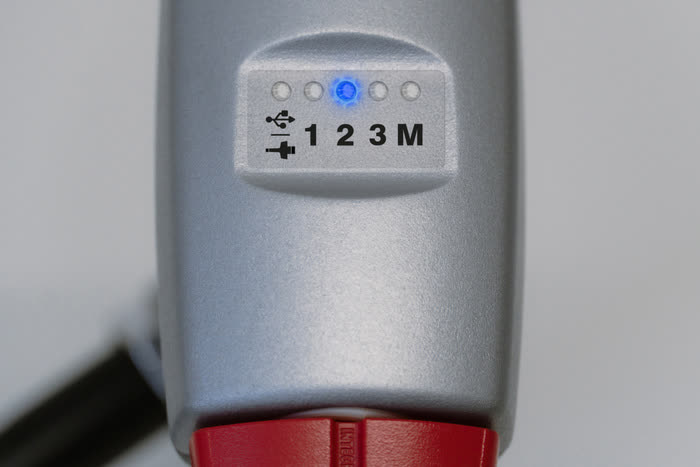 7
7 Ready to pair
Wait a moment until the selected LED flashes blue.
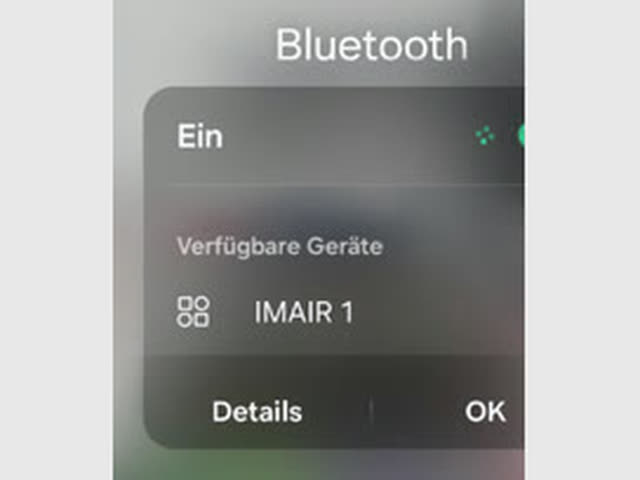 8
8 Start device search
Start the device search on your device and select "IMAIR".
 9
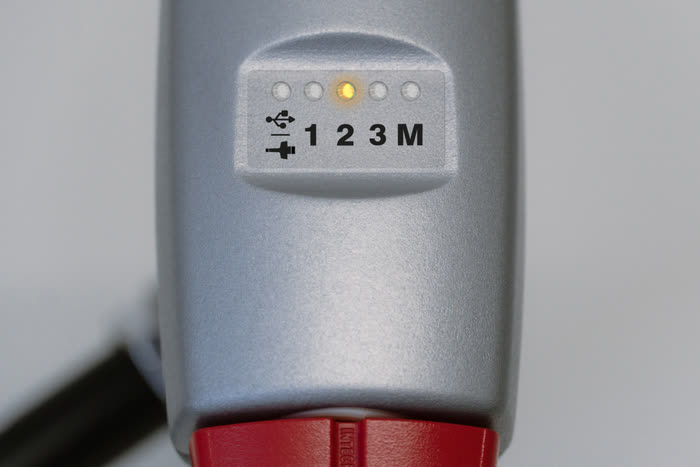
9 Successfully paired
The flashing stops and the LED lights up orange.
Depending on your device, some additional settings may be needed. On iPhone, for example, you need to enable AssistiveTouch for a mouse pointer to be shown.