
Xbox Adaptive Controller (XBAC)
Central to any setup that needs a full gamepad controller is combining the IntegraMouse with the Xbox Adaptive Controller (XBAC) from Microsoft.
View the Xbox Adaptive Controller →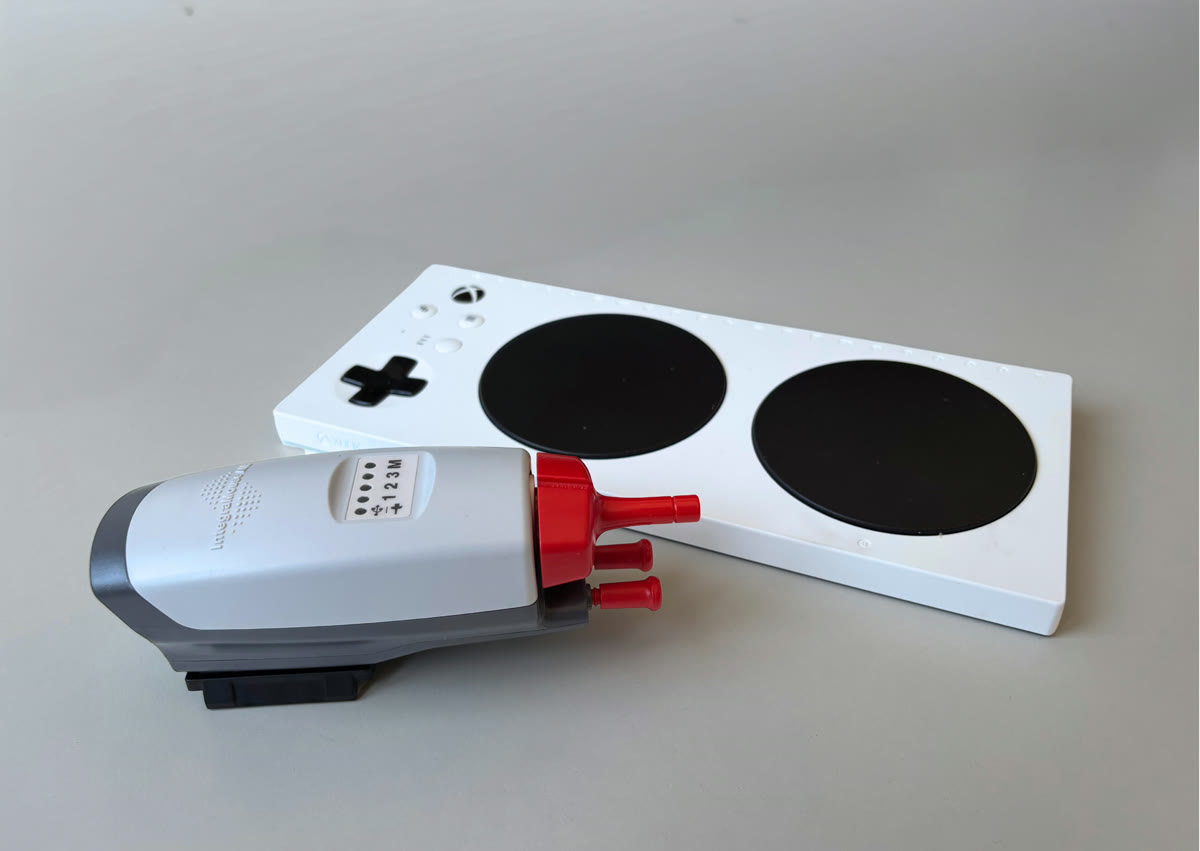
The IntegraMouse connects to the XBAC by cable – together, the system then behaves like a standard Xbox controller. The XBAC acts as a central hub for numerous external input devices (switches, buttons, joysticks) and works not only on the Xbox, but also on Windows PCs and – via Bluetooth or USB – on some smart TVs as well as iOS and Android devices.
Connecting the IMAIR to the XBAC
Connect the IntegraMouse AIR to the left or right USB port on the XBAC using the original cable to get the left or right joystick. Make sure the IntegraMouse AIR is in gamepad mode – the LED on the far right then lights up orange.
Adjusting clicks
The Xbox Adaptive Controller comes with its own configuration software. Use it to set which button signals are triggered by sip and puff – for example A and B on an Xbox controller.
Adjusting stick sensitivity
There are two ways to adjust the stick’s behaviour:
- In the IntegraMouse Control App under “Gamepad”, adjust the gain: the higher the gain, the less the mouthpiece needs to be deflected.
- In the XBAC configuration software: the stick’s behaviour can also be adjusted here.