
Consoles
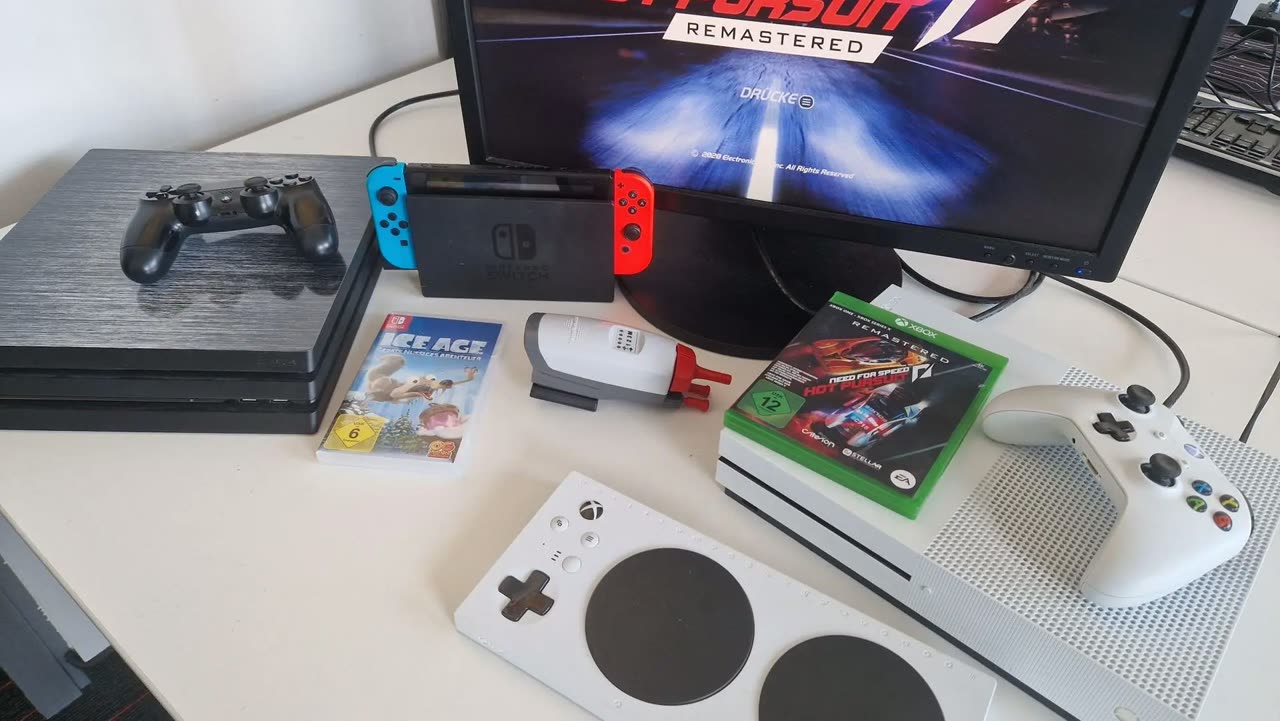
Gaming with the IntegraMouse also works on consoles such as Xbox, PlayStation and Nintendo Switch. Find out how below.
Xbox
Xbox is the most accessible platform among consoles – with plenty of great accessibility features, such as Xbox Controller Assist.
The Xbox Adaptive Controller works directly with the Xbox – the settings can be adjusted right there via the XBAC configuration app.
PlayStation
The IntegraMouse can't be used directly on the PlayStation. Here too, you need the XBAC, which turns the IntegraMouse into an Xbox controller. That means all the usual tips and tricks for using an Xbox controller on a PlayStation apply.
For example, with special adapters such as the Wingman P5. Alternatively, via smartphone and app, such as PXPlay (also available for Android).
Nintendo Switch
The IntegraMouse likewise can't be used directly on the Nintendo Switch. Here too, the XBAC is required, turning the IntegraMouse into an Xbox controller.
To connect it, we recommend an adapter such as the 8BitDo USB Wireless Adapter 2.