
New: Practice exercises to get to know the IntegraMouse AIR
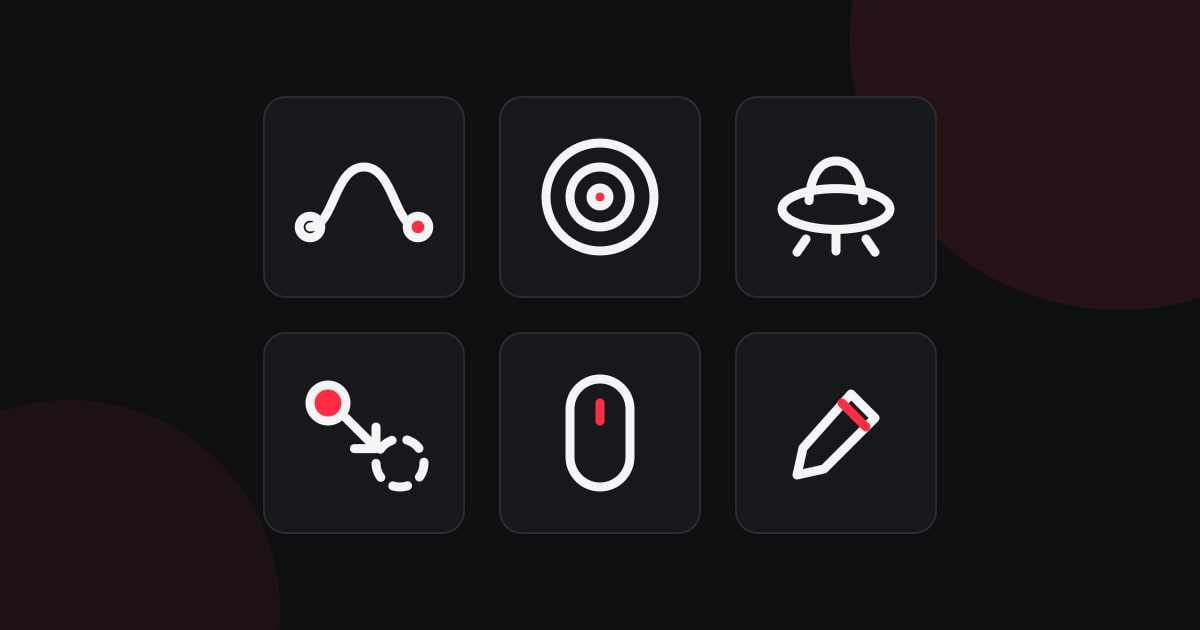
Our website now offers playful exercises for your first steps with the IntegraMouse AIR: moving the pointer, aiming, clicking, dragging, scrolling and drawing – at your own pace and without signing up.
Six exercises:
- Follow the track: Guide the pointer along a track from start to goal.
- Aiming: Move the pointer onto the target and select it.
- UFOs: UFOs start in the middle and fly off – select them before they are gone.
- Drag & drop: Pick up a ball and drop it into a circle.
- Scrolling: Like a combination lock – set the same symbols with the scroll wheel.
- Drawing: Draw freely on a white sheet, with colours, an eraser and zoom.
Fully adjustable: You choose the click type (left click, right click or left double-click), whether you click or simply rest the pointer on the target, the hold time for grabbing with drag lock, the speed and the sound. If you like, the difficulty adapts to your pace automatically. There are no scores, no time limit and no failing.
Everything stays with you: The exercises run directly in your browser, nothing is sent to us. Settings, history and your drawing stay on your device. You will need your IntegraMouse – but any other mouse, a touchpad or a touchscreen works too.
You can find the exercises under Support & Downloads → Practice. We would love your feedback: tell us on the contact page what you like and what we can improve.