
First firmware update for the IntegraMouse AIR available
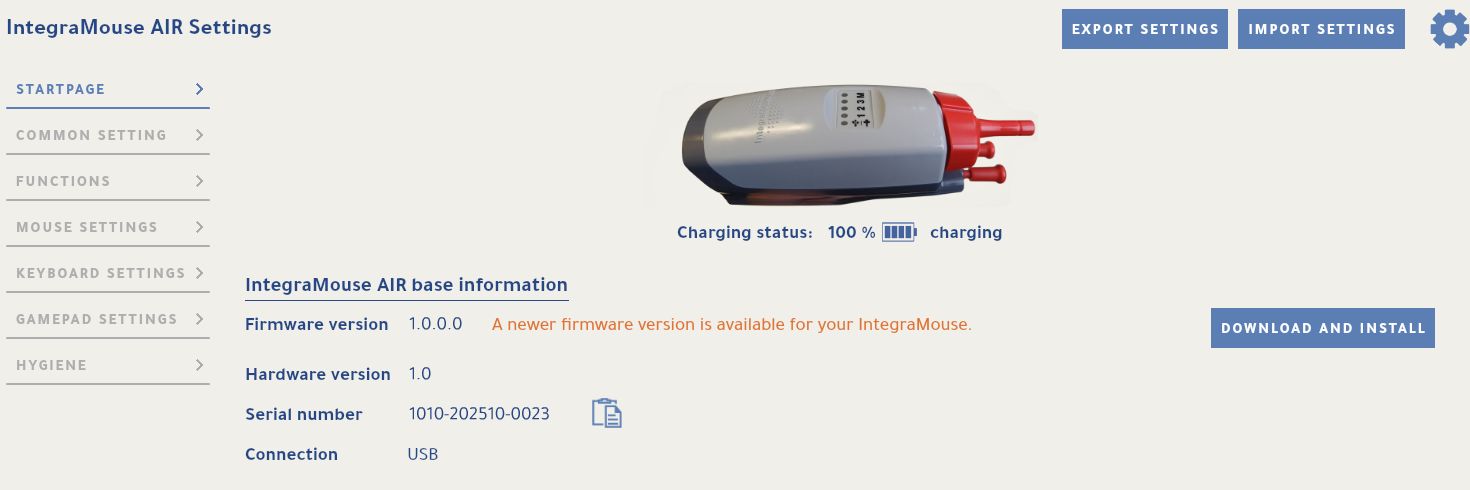
The first firmware update for the IntegraMouse AIR is ready! It improves the quality of the built-in microphone.
Here’s how to install the update: download the IntegraMouse Control App, launch it and open it. On the app’s home screen you’ll find the update button – just one click brings your IntegraMouse AIR up to date.